Python lessons that mark themselves
Students write real Python in the browser and every answer is marked instantly. You see where the class got stuck, without a pile of marking. Free for schools.

Free
for schools to use with their classes
3
exam levels: GCSE, A Level and IB
5
hands-on coding workshops in schools
100+
students at our latest workshop, at Ada in London
Built for busy Computer Science teachers
Marking is how you see who understood. Shuttle does it for you and shows you the pattern, so you get the full picture in a fraction of the time.
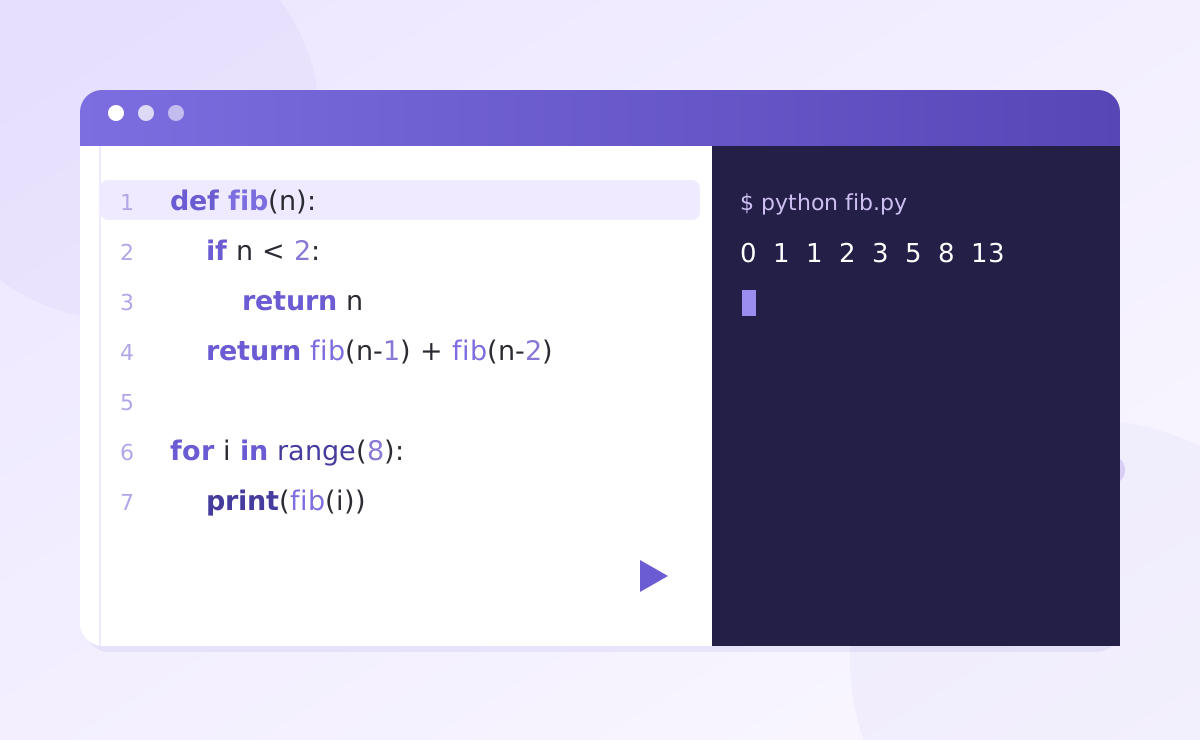
Coding
Real Python in the browser
Students read a short explanation, run real Python, change one small thing, then answer a question. Nothing to install.
Try a lesson →
Marking
Marked straight away
Every answer is marked the moment it’s submitted, with feedback that points to the exact mistake and a specific next step.
Watch the demo →
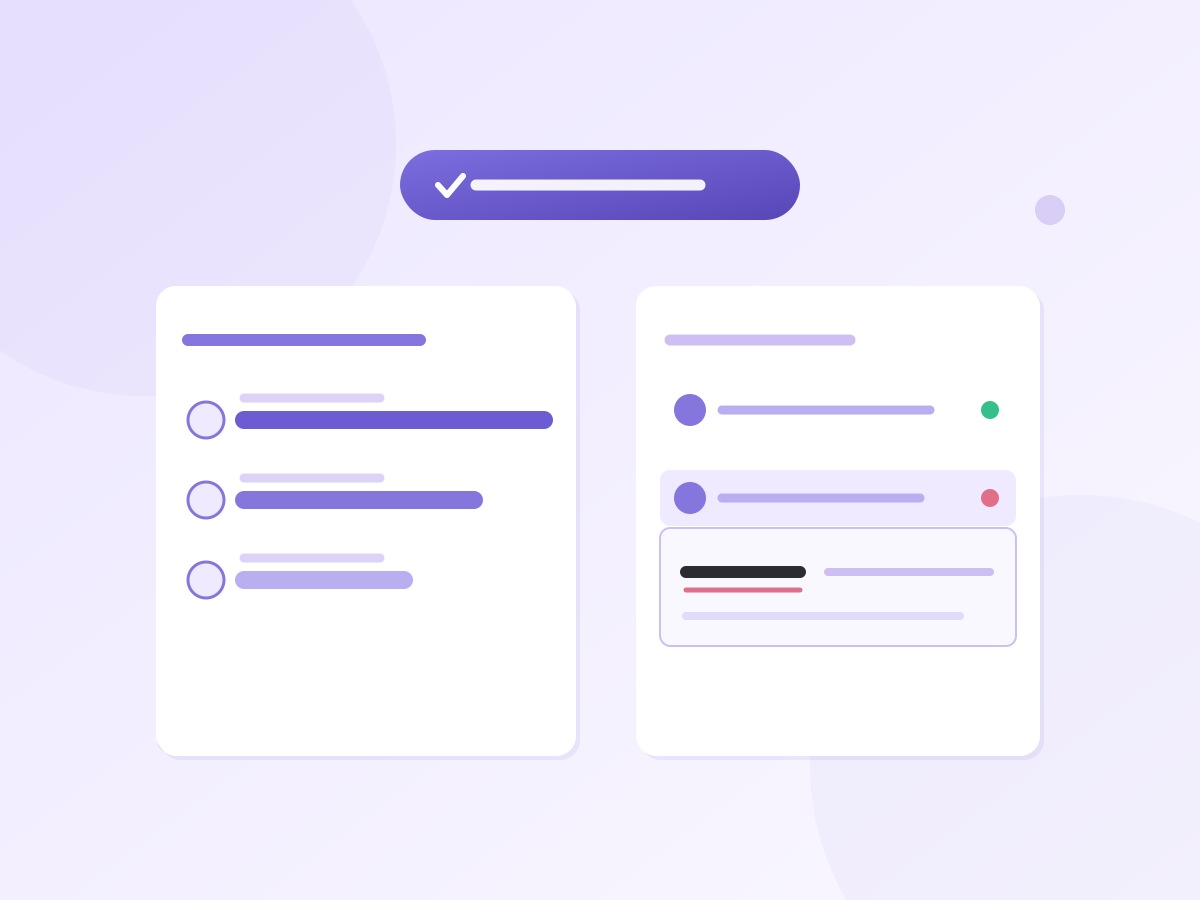
Insight
A summary of the whole class
Press Summarise after an activity to see the mistakes that came up most and where each student got stuck, so you know who needs a hand next lesson.
Set up a free class →
How it works
Four steps from assigning a lesson to knowing exactly where your class got stuck.
Bring Shuttle Learning to your school
We're onboarding schools one at a time. Tell us about yours and we'll set you up with access

Made by a teacher
Built for my own students first
I’m Yuness. I teach Computer Science and was Head of KS5 Computer Science. I built Shuttle Learning in my evenings and weekends, at first just for my own students, because I wanted them to have a better way to practise and I wanted a quicker way to see how they were getting on. It’s free for schools while it grows, and whatever your students do on it is yours to keep.